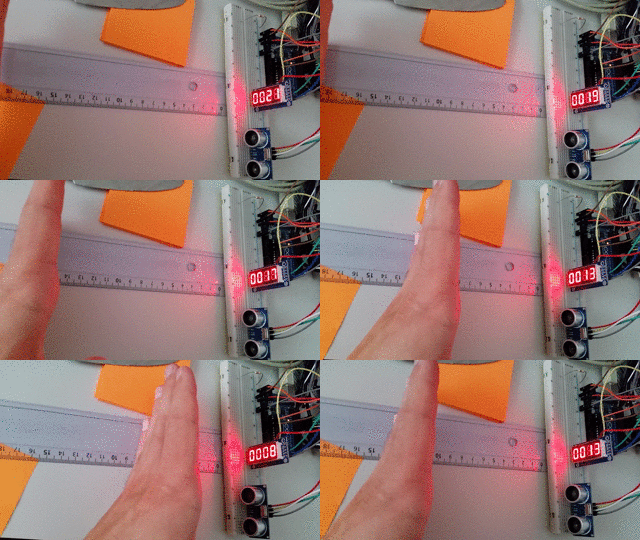

| Spec | MP4 | GIF |
|---|---|---|
| File Size | 409kB | 413kB |
| Resolution | 320x240 | 320x240 |
| FPS | 5 | 0.8 |
| Quality | medium (crf=28) | low (256 colors) |
| Audio | yes | no |
| Support | HTML5 browser with the good video decoder | any browser from the 21st century. |
Gif
ffmpeg -i input.avi -vf scale=320:-1 -r 0.8 -f image2pipe -vcodec ppm - | convert -delay 80 -loop 0 - gif:- | convert -layers Optimize - output.gif
(from StackExchange)
The output fps and delay values have to follow the rule $$100 * \text{output fps}=\text{delay}$$ to keep a realistic speed playback.
MP4
ffmpeg -i input.avi -vf scale=320:-1 -r 5 -c:v libx264 -preset slow -crf 28 -c:a copy -y output.mp4